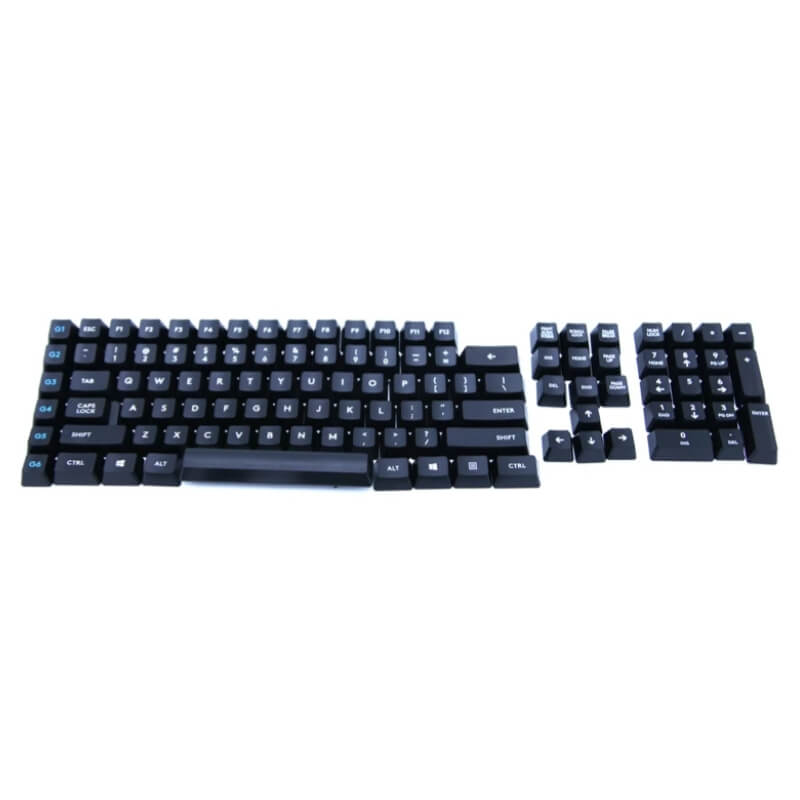
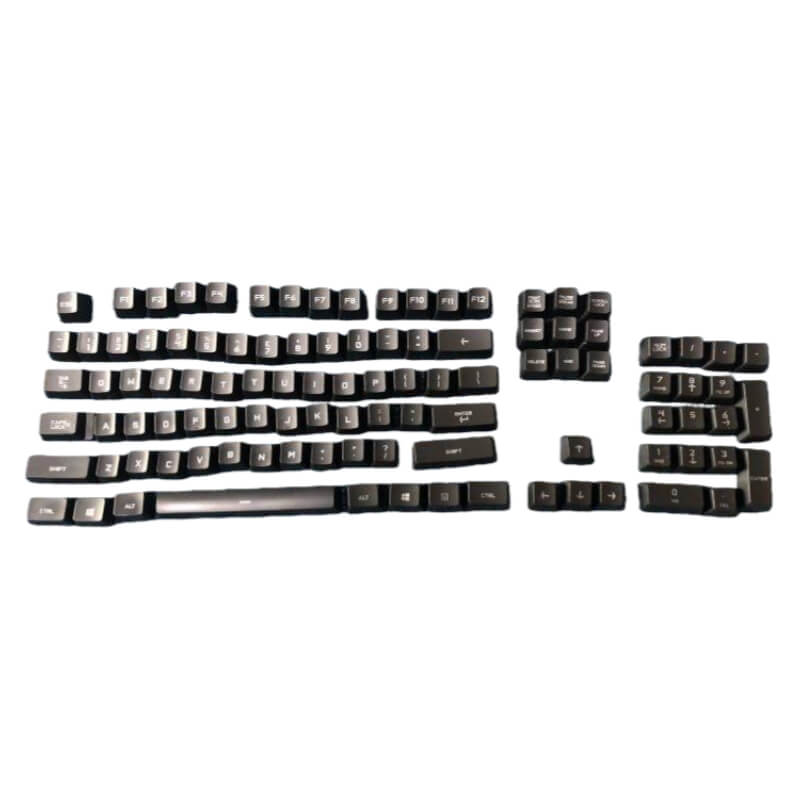
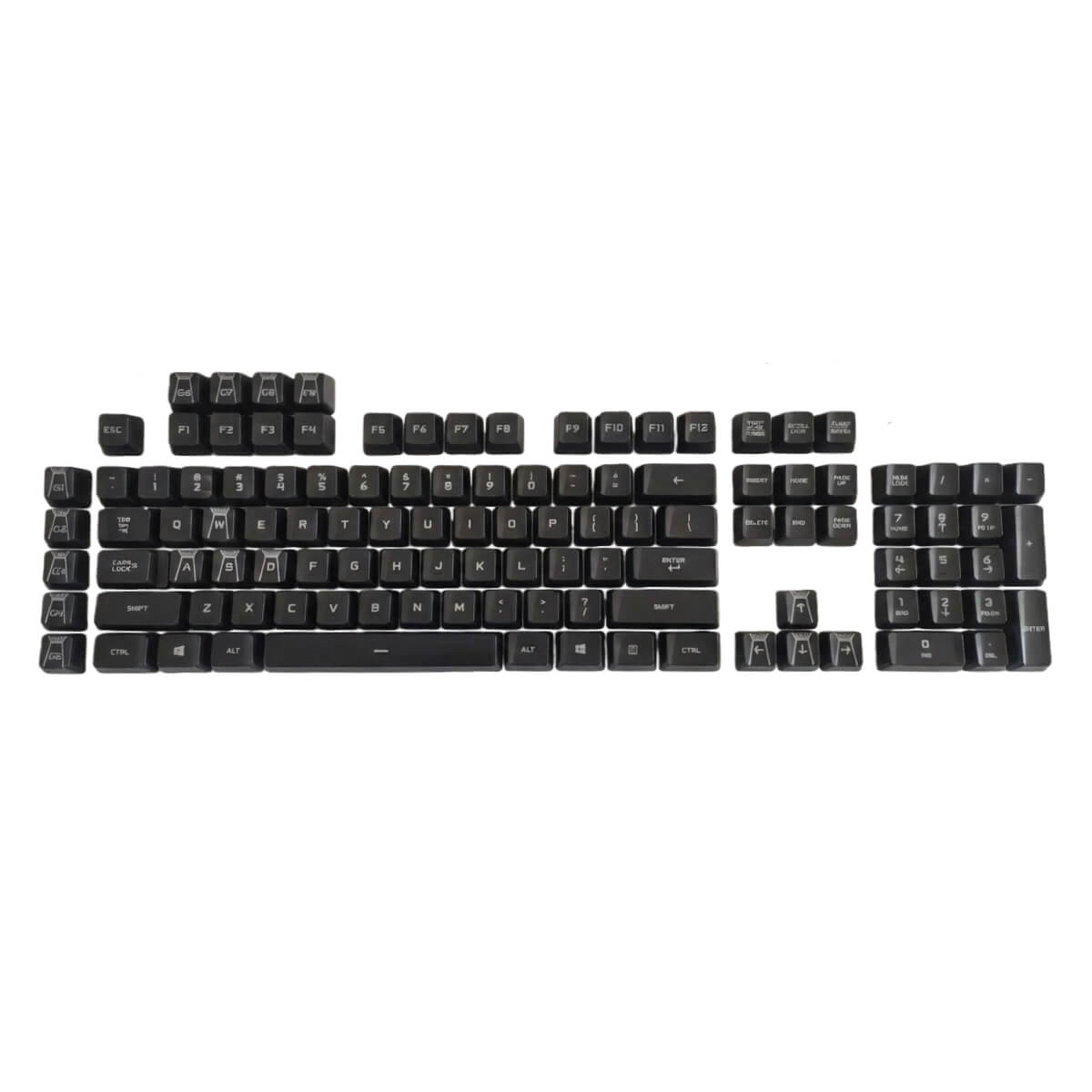
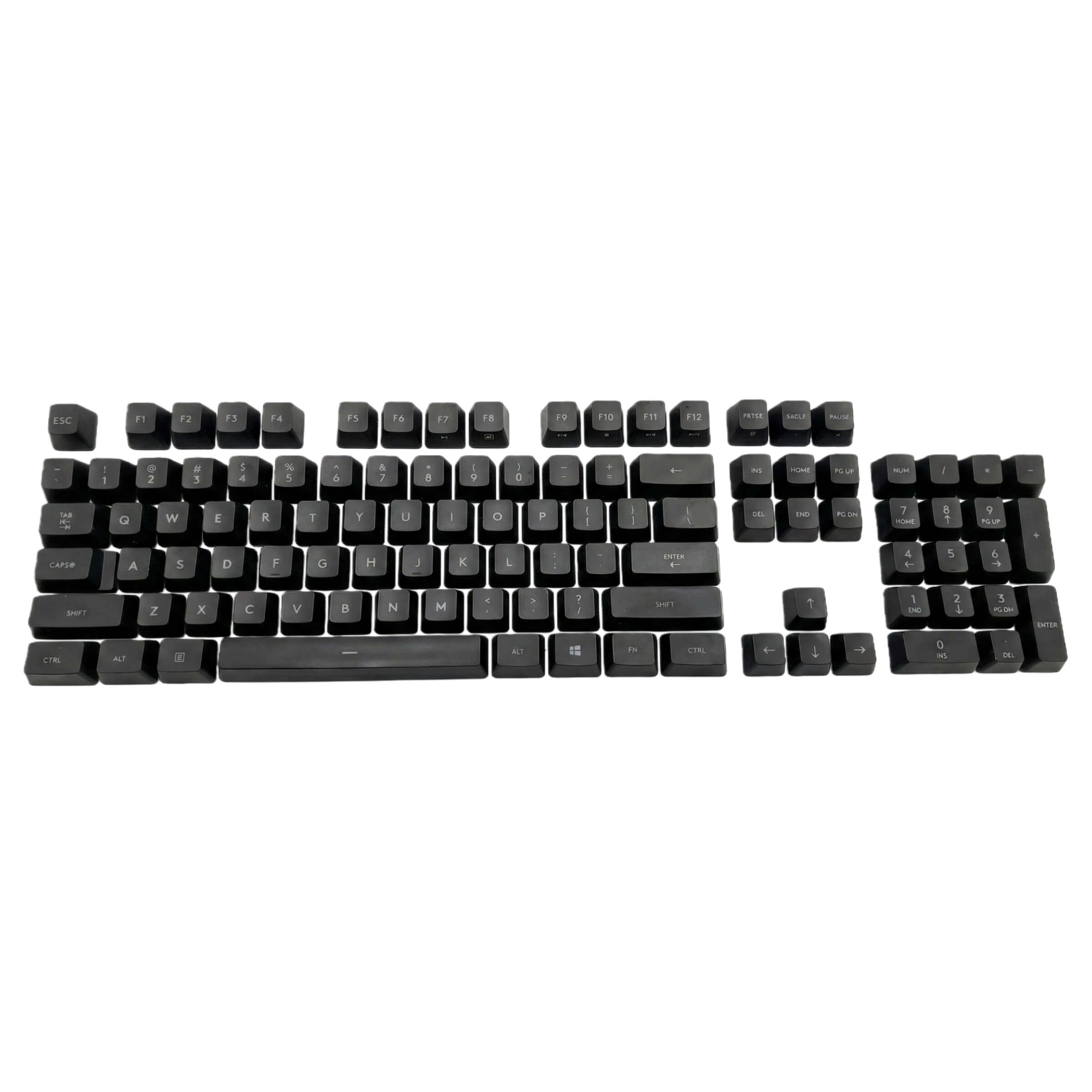
Having trouble finding
compatible keycaps for your Romer-G keyboard? Why not use
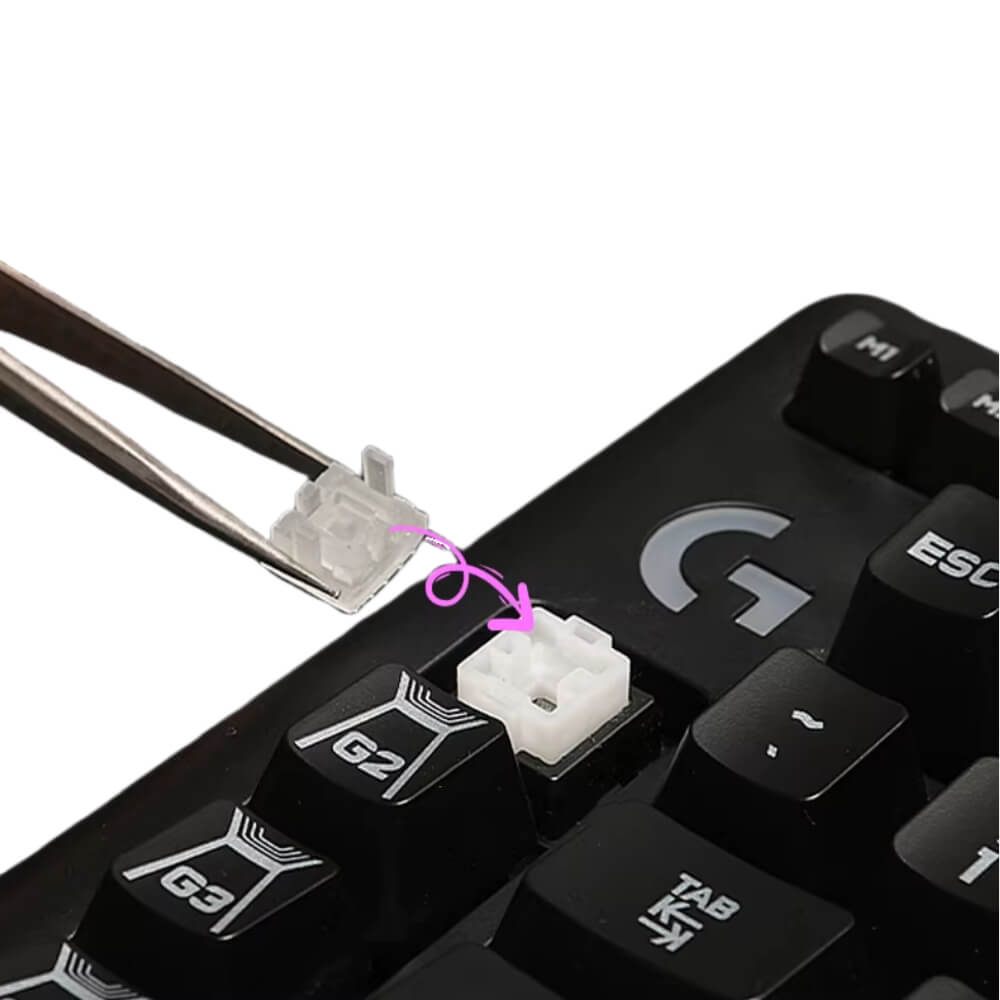
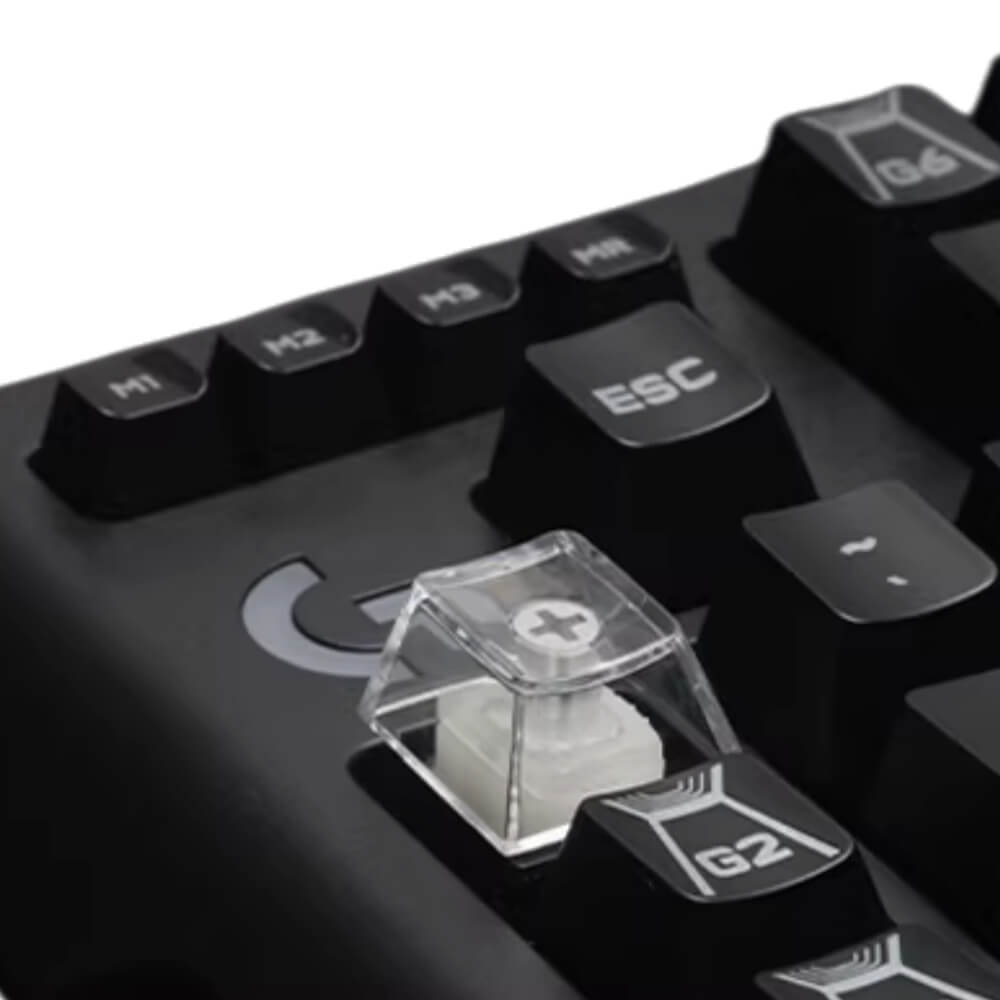
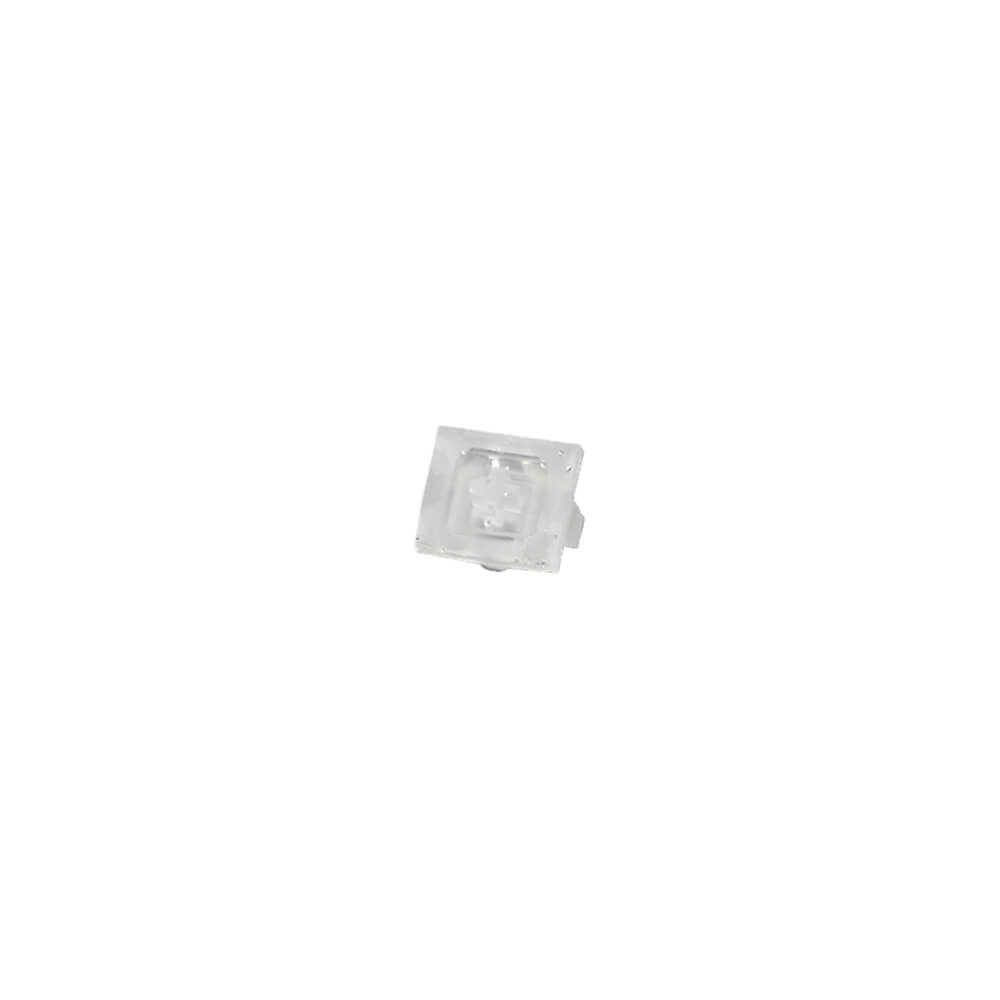
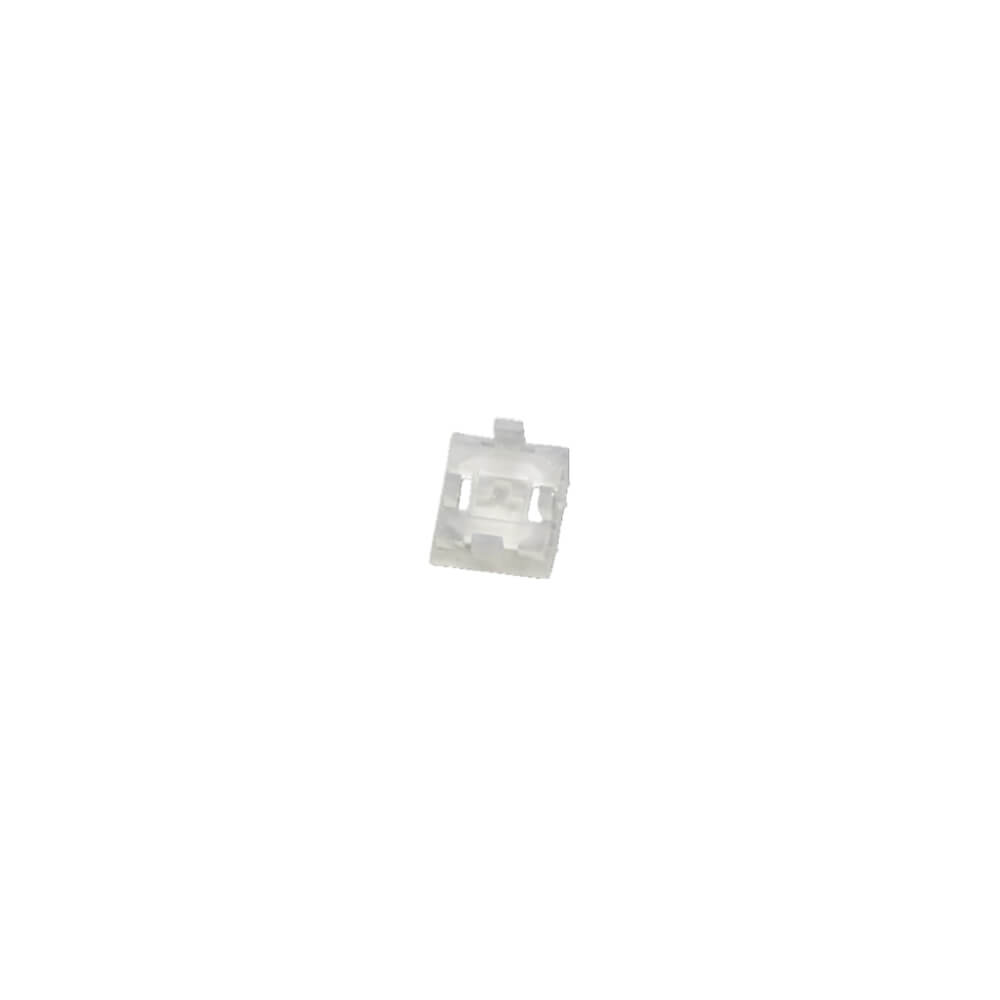
MX-style keycaps instead, which are available everywhere in the market? By putting a KeycapGuru Romer-G Switches to MX-Style Switches Convertor between your Romer-G switch and a MX-style keycap, you will be able to use all the MX-Style keycaps in the market on your Romer-G keyboard!
Key Features:
- Convert Romer-G Switches to MX-Style Switches
- Translucent, will not block backlights of your keyboard
- Easy to use
How to Use:
- Remove the original keycaps on your keyboard
- Install the convertors on the switches
- Install the MX-Style keycaps on the convertors
What is Romer-G switches
Romer-G switches are unqiue mechanical keyboard switches developed by Logitech, featuring a 4-pin design. It was used on Logitech models like G910, G810, G512, G513, G413 etc. Keycaps that are compatible with Romer-G switches are not common in the market.
What is MX-Style switches
MX-style switches means keycaps that are similar to Cherry MX switches, which are featuring with a Cross-shape stem. The name of the switches may be different from brands to brands, but if the stem is cross-shape, then most of the time their keycaps can be interchangable. Therefore MX-style keycaps are the most common keycaps nowadays.
Please note:
While you can still use this product with bigger keys like Spacebar, Enter, Shift etc, the convertor will lift up your keycap, and the lack of supporting on left and right side of your keycap will make your keycap unbalanced, therefore it is recommended to use this product on smaller (1u to 1.5u) keys.
Having trouble finding
compatible keycaps for your Romer-G keyboard? Why not use
MX-style keycaps instead, which are available everywhere in the market? By putting a KeycapGuru Romer-G Switches to MX-Style Switches Convertor between your Romer-G switch and a MX-style keycap, you will be able to use all the MX-Style keycaps in the market on your Romer-G keyboard!
Key Features:
- Convert Romer-G Switches to MX-Style Switches
- Translucent, will not block backlights of your keyboard
- Easy to use
How to Use:
- Remove the original keycaps on your keyboard
- Install the convertors on the switches
- Install the MX-Style keycaps on the convertors
What is Romer-G switches
Romer-G switches are unqiue mechanical keyboard switches developed by Logitech, featuring a 4-pin design. It was used on Logitech models like G910, G810, G512, G513, G413 etc. Keycaps that are compatible with Romer-G switches are not common in the market.
What is MX-Style switches
MX-style switches means keycaps that are similar to Cherry MX switches, which are featuring with a Cross-shape stem. The name of the switches may be different from brands to brands, but if the stem is cross-shape, then most of the time their keycaps can be interchangable. Therefore MX-style keycaps are the most common keycaps nowadays.
Please note:
While you can still use this product with bigger keys like Spacebar, Enter, Shift etc, the convertor will lift up your keycap, and the lack of supporting on left and right side of your keycap will make your keycap unbalanced, therefore it is recommended to use this product on smaller (1u to 1.5u) keys.