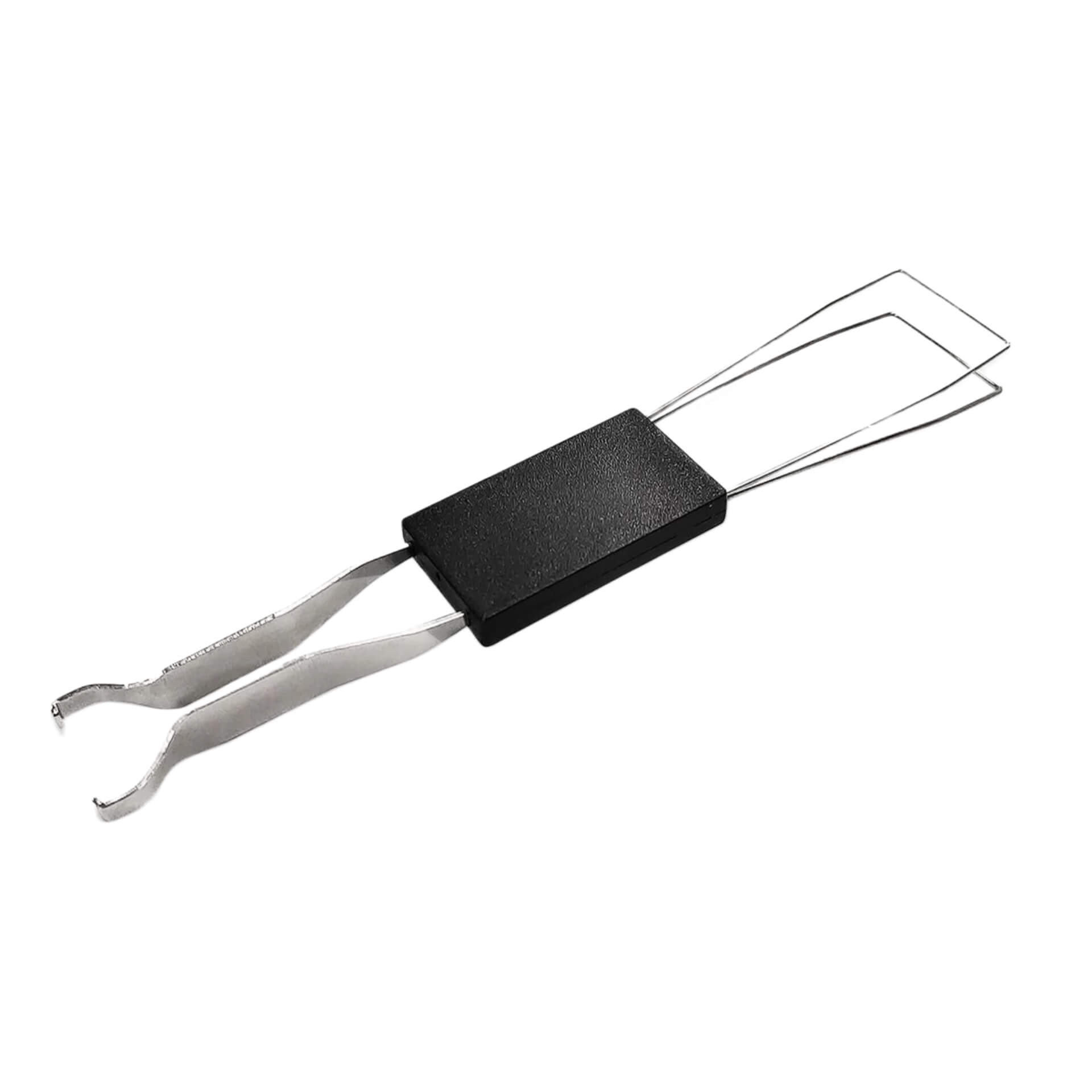
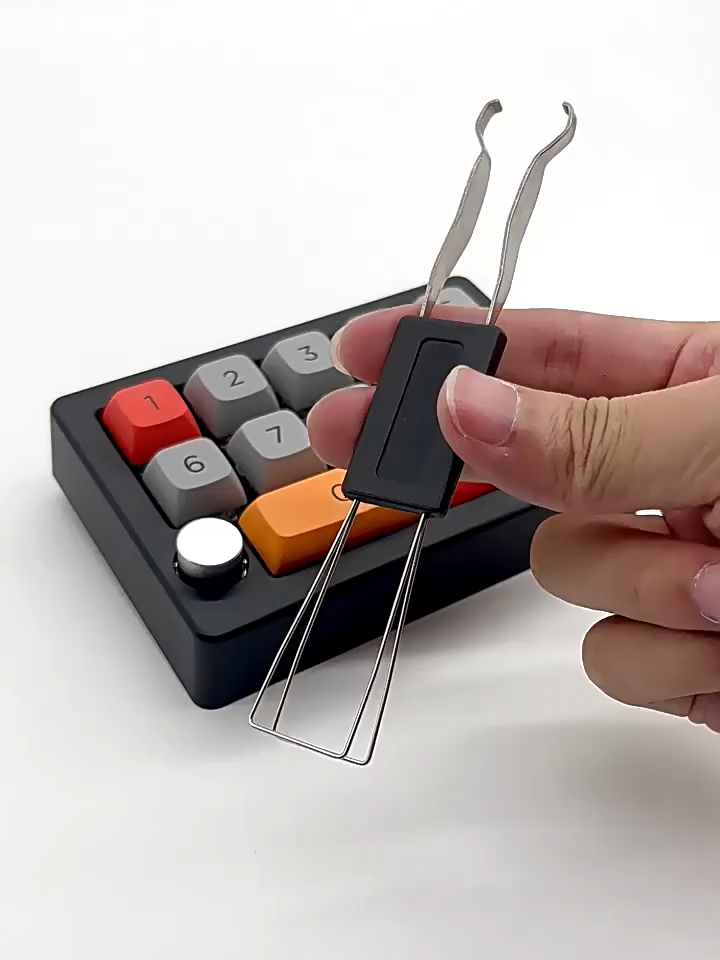
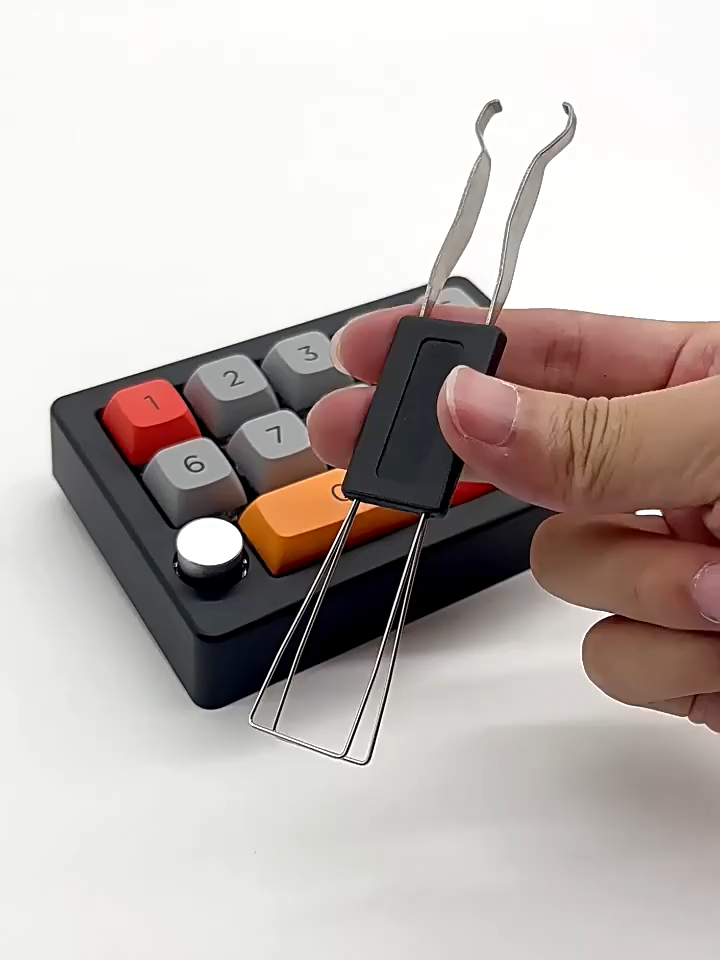
Combining keycap remover and switch puller in one piece, KeycapGuru 2-in-1 Keycap Remover / Switch Puller adopts the classic design, and allows you to unplug almost every type of removable mechanical keyboard keycaps and switches in the market.
To remove keycaps:
1. Before removing, please make sure your keycaps are removable. Some keycaps (usually those on non-mechanical keyboards) are not designed to be removable.
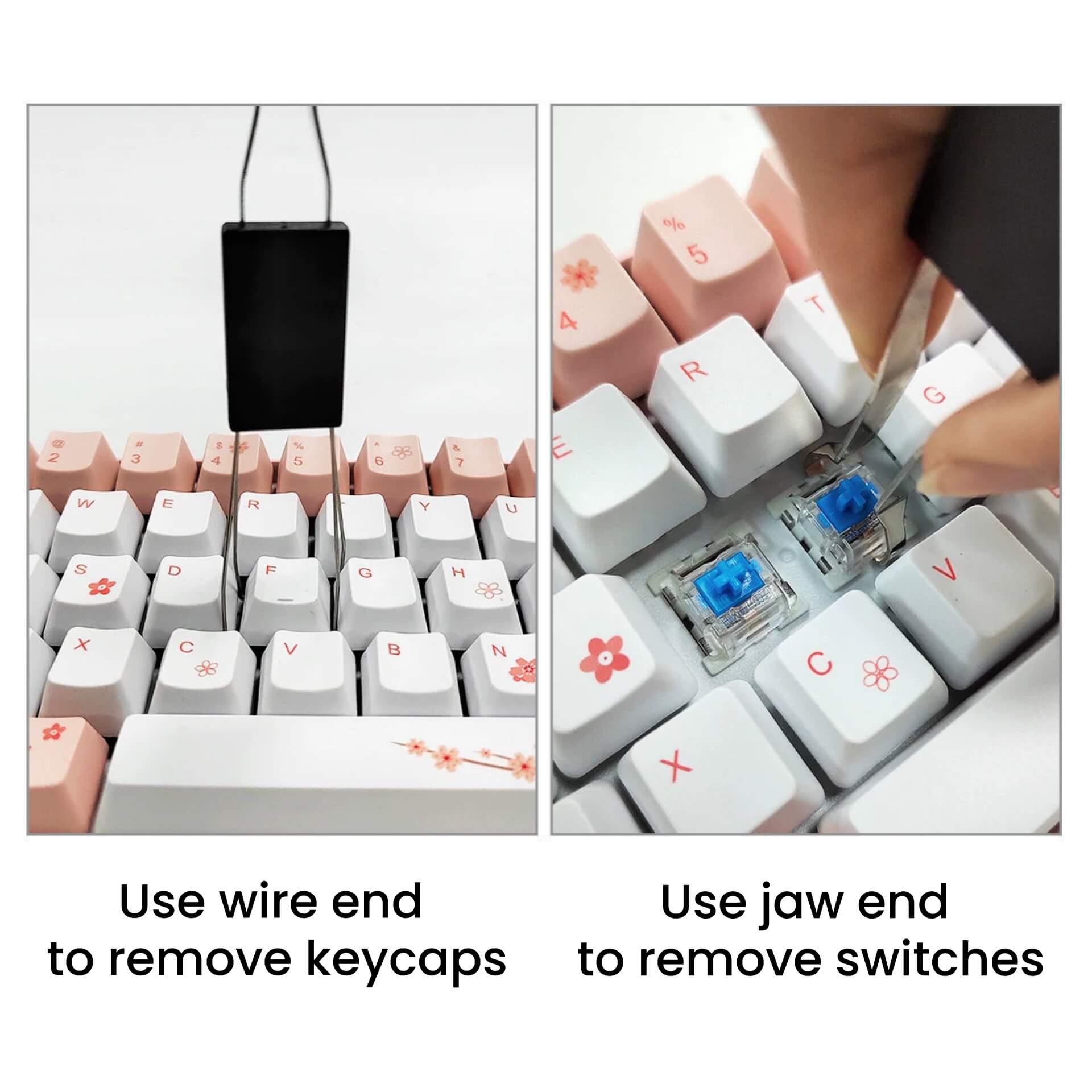
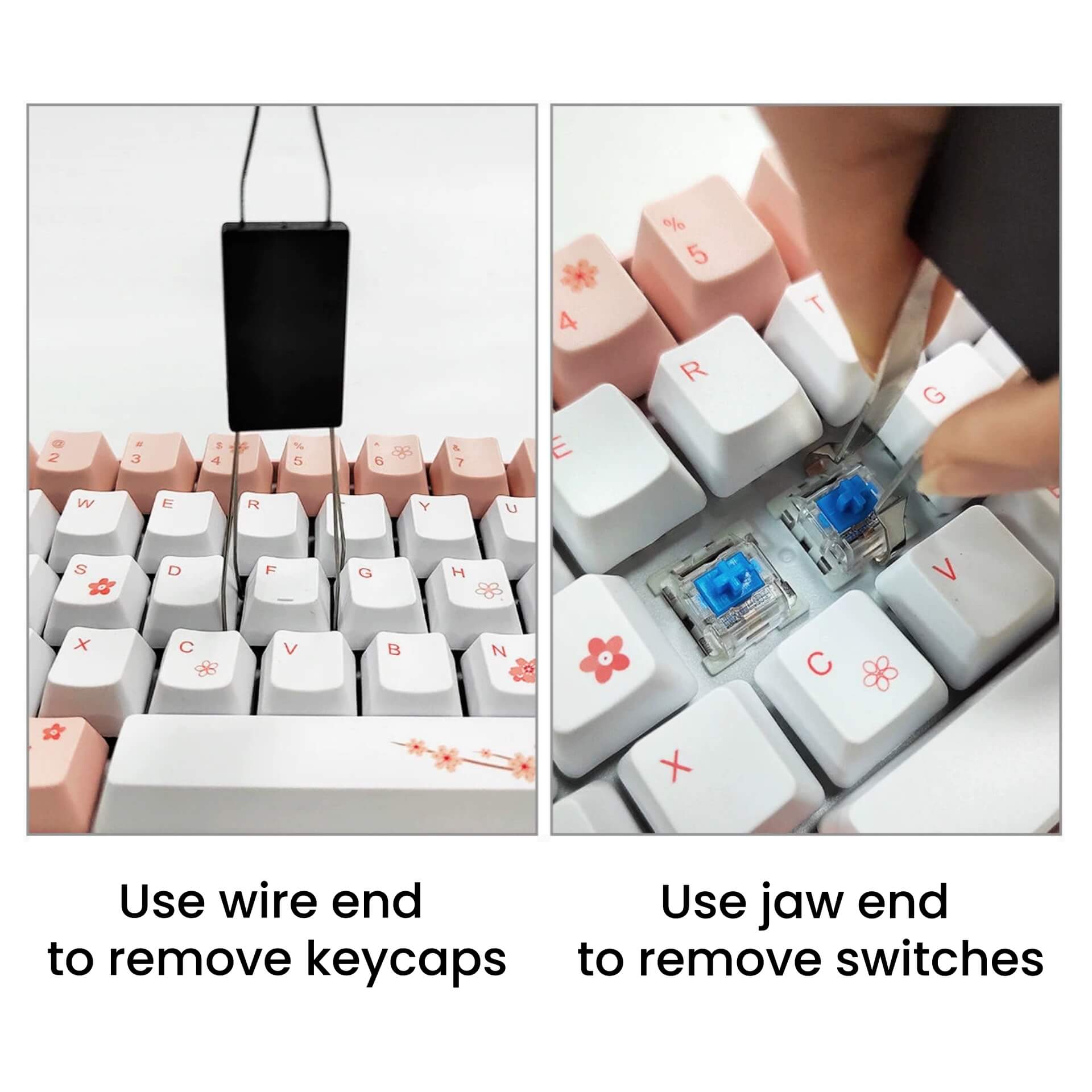
1. Use the end with wire, and then gently slide the wire loops under the sides of the keycap. Make sure they hook onto the bottom edge of the keycap, not just the key switch.
2. Hold the keycap with the puller and pull straight up. Do not rock side‑to‑side to avoid damaging the switch or stem.
3. Once the keycap pops off, lift the puller away.
To remove switches:
1. Before removing, please make sure the switches on your keyboard are removable (hot-swappable)
2. Remove the keycap first (see above)
3. Use the end with a pair of small clamping jaws, position the two jaws so they align with the small notches on the top and bottom (or sometimes left and right) of the switch housing, and squeeze the handles slightly so the jaws clamp onto the switch’s locking tabs.
4. Maintain light clamping pressure and lift the switch vertically out of the plate. Do not tilt.
5. Once the switch is removed, release the handles to open the jaws.
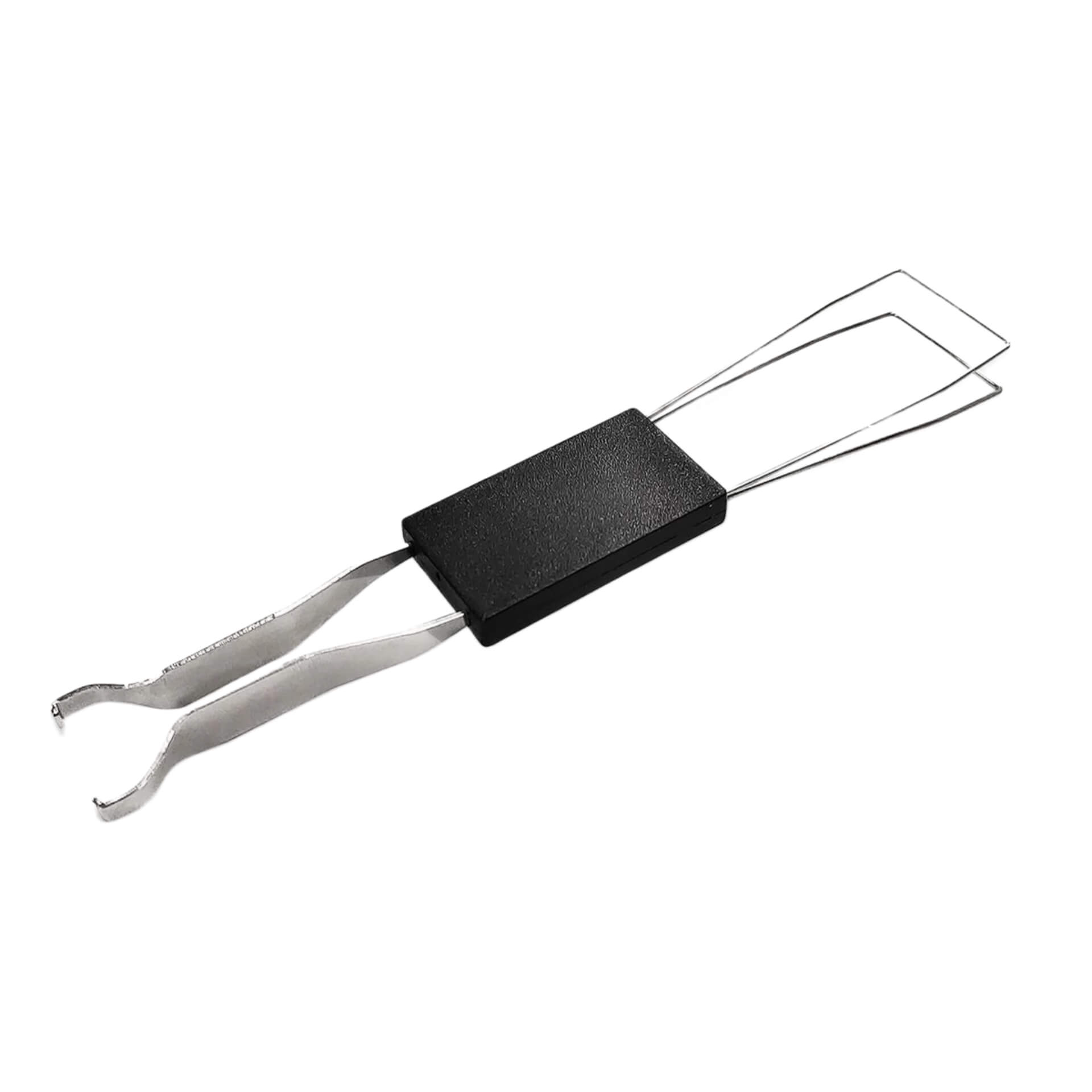
Combining keycap remover and switch puller in one piece, KeycapGuru 2-in-1 Keycap Remover / Switch Puller adopts the classic design, and allows you to unplug almost every type of removable mechanical keyboard keycaps and switches in the market.
To remove keycaps:
1. Before removing, please make sure your keycaps are removable. Some keycaps (usually those on non-mechanical keyboards) are not designed to be removable.
1. Use the end with wire, and then gently slide the wire loops under the sides of the keycap. Make sure they hook onto the bottom edge of the keycap, not just the key switch.
2. Hold the keycap with the puller and pull straight up. Do not rock side‑to‑side to avoid damaging the switch or stem.
3. Once the keycap pops off, lift the puller away.
To remove switches:
1. Before removing, please make sure the switches on your keyboard are removable (hot-swappable)
2. Remove the keycap first (see above)
3. Use the end with a pair of small clamping jaws, position the two jaws so they align with the small notches on the top and bottom (or sometimes left and right) of the switch housing, and squeeze the handles slightly so the jaws clamp onto the switch’s locking tabs.
4. Maintain light clamping pressure and lift the switch vertically out of the plate. Do not tilt.
5. Once the switch is removed, release the handles to open the jaws.